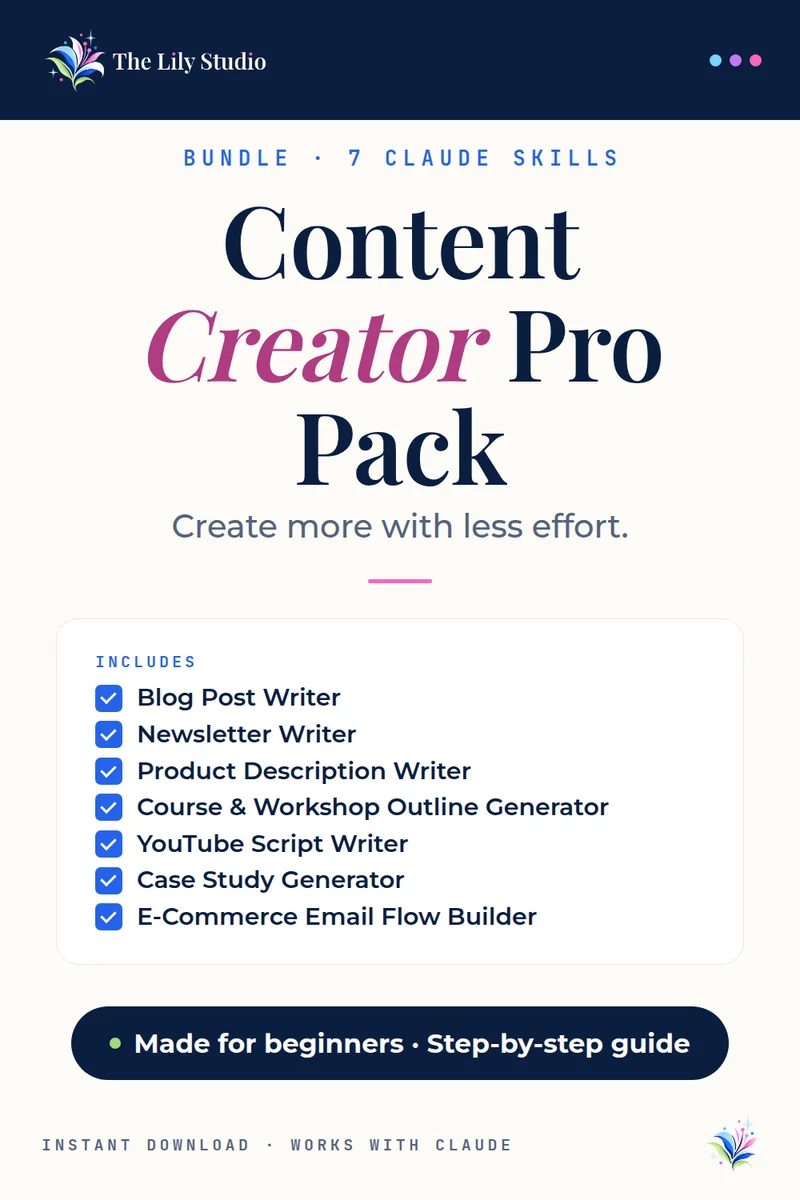
Bundle · 7 Claude AI skills
Content Creator Pro Pack
A complete content creation toolkit for every format and platform.
The Content Creator Pro Pack gives you 7 Claude AI skills that cover every content type a creator, blogger, or online business needs.
$19$33 if bought one at a time · you save $14
Instant download · Works with Claude · Made for beginners
What’s included
7 skills, each with its own step-by-step install guide and sample prompts.
Blog Post Writer
Writes complete, voice-matched blog posts with SEO structure, internal linking suggestions, and meta descriptions.
Newsletter Writer
Writes complete, publish-ready newsletter editions with hooks, segments, and CTAs — not outlines or bullet points.
Product Description Writer
Writes benefit-led product descriptions in three lengths — short, medium, and SEO-optimized long format.
Course & Workshop Outline Generator
Generates complete course or workshop outlines — module breakdown, lesson titles, learning outcomes, and exercises.
YouTube Script Writer
Writes YouTube scripts with a strong hook, structured body, natural spoken language, and CTA outro.
Case Study Generator
Turns client wins into compelling case studies with the Problem-Process-Proof narrative structure.
E-Commerce Email Flow Builder
Builds complete automated email flows — welcome series, abandoned cart, post-purchase, and win-back sequences.
Who it’s for
Content creators, bloggers, course builders, and online business owners who need to produce high-quality content across multiple formats consistently.
What you download
One ZIP with all 7 skills. Each skill comes with its own PDF install guide and sample prompts, so you can start with whichever one you need today.
How it works
No tech skills needed. It takes about two minutes.
- Unzip your download. Inside you’ll find the skill file and its own install guide with sample prompts.
- Add it to Claude. Open claude.ai, click Customize, then Skills. Click +, then Create skill, then Upload a skill. Pick the file and make sure its toggle is on.
- Try it. Start a new chat and paste the first sample prompt from your guide. Swap in your own details and go.
You’ll need: a Claude.ai account with Code execution turned on in Settings → Capabilities. Skills need this switch.
Questions
The things people ask most before they buy.
Do I need a paid Claude plan?
No. Skills work on every Claude plan, so you don’t need to upgrade. You just need Code execution turned on in Settings → Capabilities. On a Team or Enterprise plan, your admin turns it on.
Is it good for beginners?
Yes. No tech skills needed. Each skill comes with a step-by-step install guide and sample prompts, and you talk to Claude in plain English.
Can I use it on my phone or tablet?
Yes. You add the skill once on claude.ai or in the Claude desktop app. After that it’s part of your Claude account and ready in your chats, including on your phone or tablet.
How do I get my files?
Your download is ready right after checkout, and the store emails you the link too.
Can I buy the skills one at a time?
Yes. Each skill is also sold on its own on the skills page. The bundle costs less than buying them separately.
Questions about your order? Email support@thelilystudio.com.