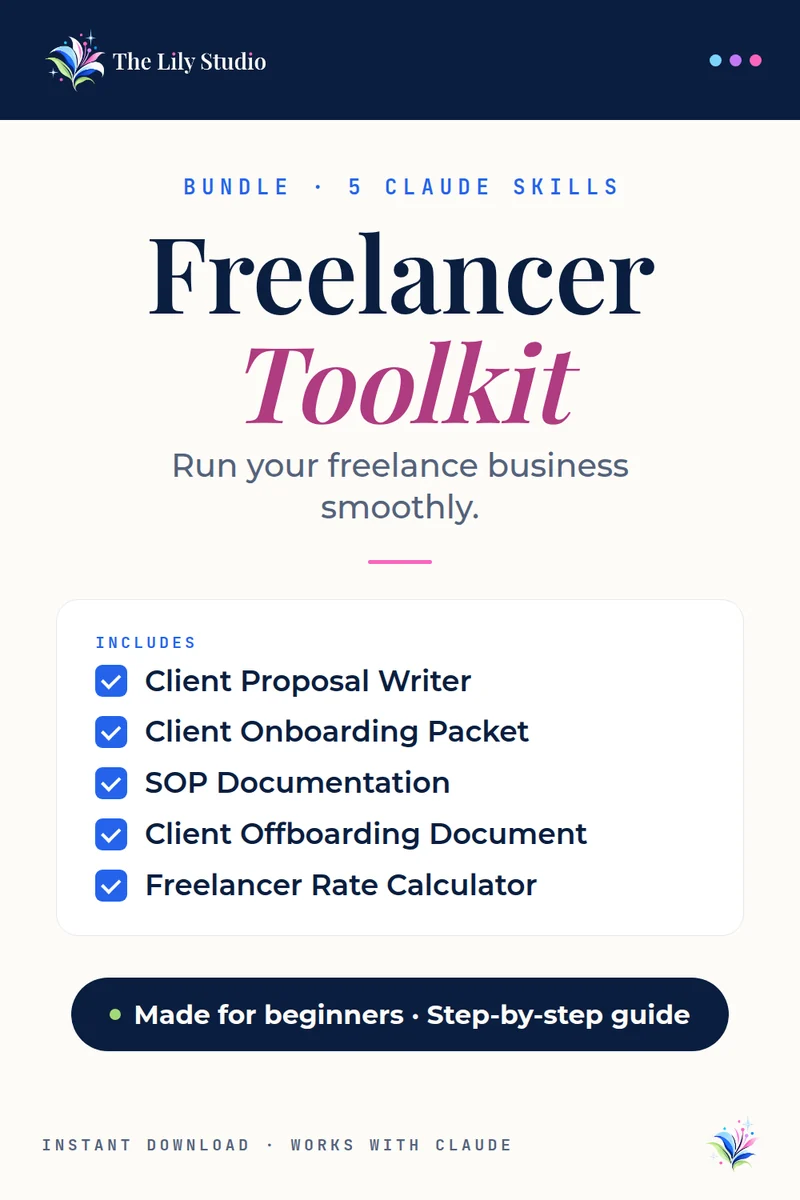
Bundle · 5 Claude AI skills
Freelancer Toolkit
Everything a freelancer needs to run professionally.
The Freelancer Toolkit gives you 5 Claude AI skills that handle the business side of freelancing — proposals, processes, rates, and client relationships.
$13$21 if bought one at a time · you save $8
Instant download · Works with Claude · Made for beginners
What’s included
5 skills, each with its own step-by-step install guide and sample prompts.
Client Proposal Writer
Generates complete client proposals with scope, deliverables, timeline, pricing, and terms — ready to send.
Client Onboarding Packet
Builds a complete client onboarding packet — welcome letter, project timeline, communication guidelines, and intake questionnaire.
SOP Documentation
Creates clean Standard Operating Procedures from rough notes — numbered procedure, decision tree, or checklist format.
Client Offboarding Document
Creates a professional client offboarding package — project summary, deliverables checklist, and transition notes.
Freelancer Rate Calculator
Calculates your ideal freelance rate based on expenses, target income, billable hours, and market positioning.
Who it’s for
Freelancers and independent consultants who want to operate like a professional business — not just a gig worker.
What you download
One ZIP with all 5 skills. Each skill comes with its own PDF install guide and sample prompts, so you can start with whichever one you need today.
How it works
No tech skills needed. It takes about two minutes.
- Unzip your download. Inside you’ll find the skill file and its own install guide with sample prompts.
- Add it to Claude. Open claude.ai, click Customize, then Skills. Click +, then Create skill, then Upload a skill. Pick the file and make sure its toggle is on.
- Try it. Start a new chat and paste the first sample prompt from your guide. Swap in your own details and go.
You’ll need: a Claude.ai account with Code execution turned on in Settings → Capabilities. Skills need this switch.
Questions
The things people ask most before they buy.
Do I need a paid Claude plan?
No. Skills work on every Claude plan, so you don’t need to upgrade. You just need Code execution turned on in Settings → Capabilities. On a Team or Enterprise plan, your admin turns it on.
Is it good for beginners?
Yes. No tech skills needed. Each skill comes with a step-by-step install guide and sample prompts, and you talk to Claude in plain English.
Can I use it on my phone or tablet?
Yes. You add the skill once on claude.ai or in the Claude desktop app. After that it’s part of your Claude account and ready in your chats, including on your phone or tablet.
How do I get my files?
Your download is ready right after checkout, and the store emails you the link too.
Can I buy the skills one at a time?
Yes. Each skill is also sold on its own on the skills page. The bundle costs less than buying them separately.
Questions about your order? Email support@thelilystudio.com.