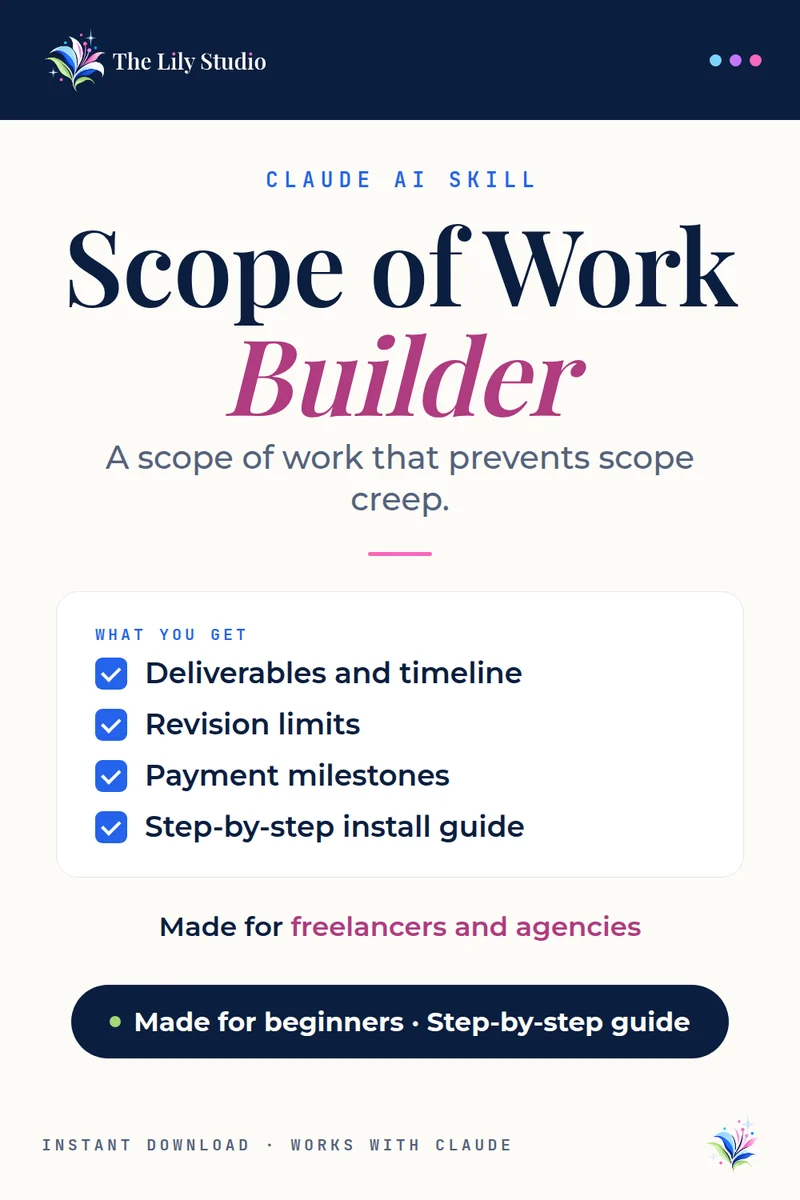
Claude AI skill
Scope of Work Builder
Clear scopes, fewer surprises.
Creates a detailed scope of work with deliverables, timelines, revision limits, payment milestones and change-order rules, so you and your client agree on the work before it starts.
What you get
Here’s what Claude makes for you with this skill.
Complete Scope of Work document with all standard sections
Deliverables table with acceptance criteria
Milestone-based timeline
Revision and change order policy
Client responsibilities section
What THEY owe YOU.
Signature block
What you tell Claude
Have these ready and the skill does the rest.
- What the project is (the work you'll perform)
- Who the client is (name, company)
- What you'll deliver (specific deliverables)
- Timeline (how long, any deadlines)
- Optional: your rate, revision policy, tools you'll use, client responsibilities
Who it’s for
Freelancers, consultants and agencies who want to prevent scope creep and get paid on time.
What you download
One ZIP with the skill and a PDF install guide with step-by-step setup and sample prompts.
How it works
No tech skills needed. It takes about two minutes.
- Unzip your download. Inside you’ll find the skill file and its own install guide with sample prompts.
- Add it to Claude. Open claude.ai, click Customize, then Skills. Click +, then Create skill, then Upload a skill. Pick the file and make sure its toggle is on.
- Try it. Start a new chat and paste the first sample prompt from your guide. Swap in your own details and go.
You’ll need: a Claude.ai account with Code execution turned on in Settings → Capabilities. Skills need this switch.
Questions
The things people ask most before they buy.
Do I need a paid Claude plan?
No. Skills work on every Claude plan, so you don’t need to upgrade. You just need Code execution turned on in Settings → Capabilities. On a Team or Enterprise plan, your admin turns it on.
Is it good for beginners?
Yes. No tech skills needed. The skill comes with a step-by-step install guide and sample prompts, and you talk to Claude in plain English.
Can I use it on my phone or tablet?
Yes. You add the skill once on claude.ai or in the Claude desktop app. After that it’s part of your Claude account and ready in your chats, including on your phone or tablet.
How do I get my files?
Your download is ready right after checkout, and the store emails you the link too.
Questions about your order? Email support@thelilystudio.com.