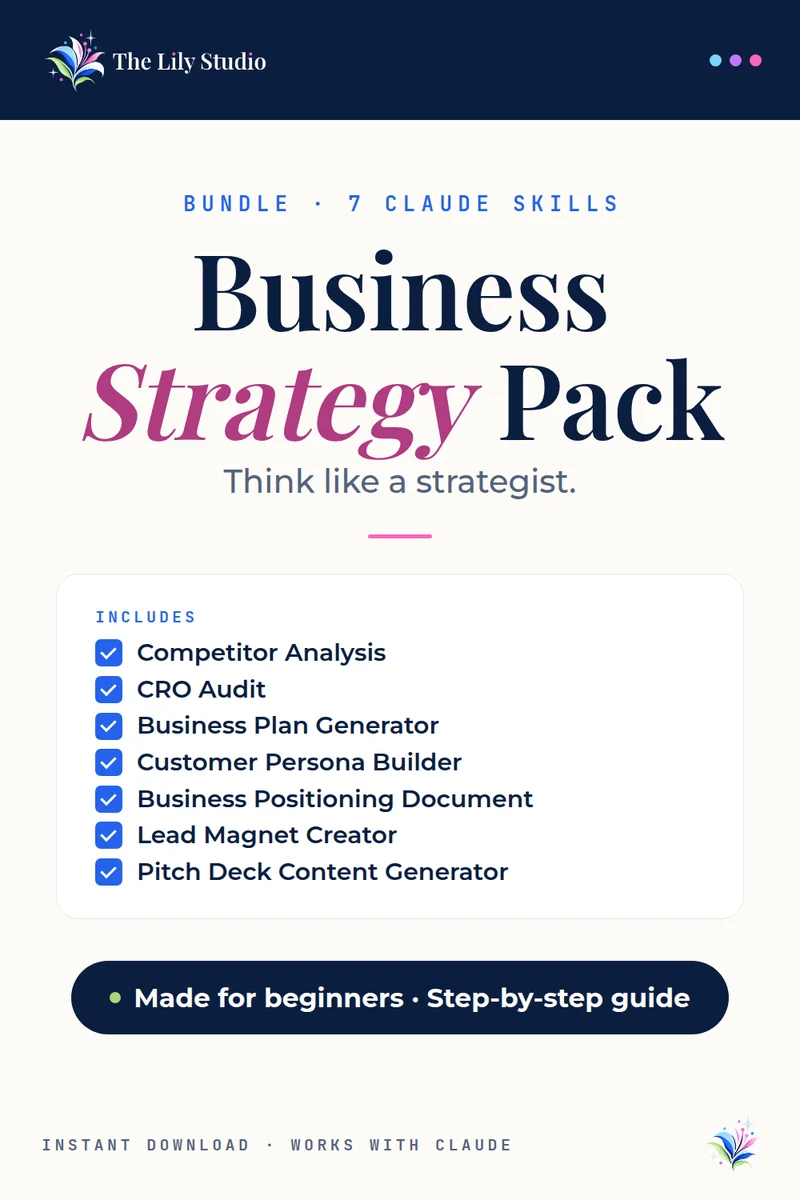
Bundle · 7 Claude AI skills
Business Strategy Pack
The heavyweight toolkit for serious business builders.
The Business Strategy Pack gives you 7 Claude AI skills covering competitive analysis, conversion, business planning, customer research, positioning, lead magnets, and investor pitching.
$21$35 if bought one at a time · you save $14
Instant download · Works with Claude · Made for beginners
What’s included
7 skills, each with its own step-by-step install guide and sample prompts.
Competitor Analysis
Runs a structured competitive analysis — positioning, pricing, features, messaging, and strategic gap identification.
CRO Audit
Audits any website or landing page for conversion rate optimization — identifies friction points and delivers prioritized fixes.
Business Plan Generator
Generates a complete business plan with market analysis, competitive positioning, financial projections, and go-to-market strategy.
Customer Persona Builder
Builds detailed customer personas with goals, pain points, buying triggers, and where to reach them, so your marketing speaks to real people.
Business Positioning Document
Creates a positioning document that defines your market category, competitive differentiation, and messaging framework.
Lead Magnet Creator
Designs and outlines lead magnets — ebooks, checklists, templates, quizzes — with opt-in page copy and delivery sequence.
Pitch Deck Content Generator
Generates complete pitch deck content — slide-by-slide copy for problem, solution, market, traction, team, and ask.
Who it’s for
Entrepreneurs, founders, and serious business owners who are making high-stakes decisions and want Claude-powered strategic thinking behind every move.
What you download
One ZIP with all 7 skills. Each skill comes with its own PDF install guide and sample prompts, so you can start with whichever one you need today.
How it works
No tech skills needed. It takes about two minutes.
- Unzip your download. Inside you’ll find the skill file and its own install guide with sample prompts.
- Add it to Claude. Open claude.ai, click Customize, then Skills. Click +, then Create skill, then Upload a skill. Pick the file and make sure its toggle is on.
- Try it. Start a new chat and paste the first sample prompt from your guide. Swap in your own details and go.
You’ll need: a Claude.ai account with Code execution turned on in Settings → Capabilities. Skills need this switch.
Questions
The things people ask most before they buy.
Do I need a paid Claude plan?
No. Skills work on every Claude plan, so you don’t need to upgrade. You just need Code execution turned on in Settings → Capabilities. On a Team or Enterprise plan, your admin turns it on.
Is it good for beginners?
Yes. No tech skills needed. Each skill comes with a step-by-step install guide and sample prompts, and you talk to Claude in plain English.
Can I use it on my phone or tablet?
Yes. You add the skill once on claude.ai or in the Claude desktop app. After that it’s part of your Claude account and ready in your chats, including on your phone or tablet.
How do I get my files?
Your download is ready right after checkout, and the store emails you the link too.
Can I buy the skills one at a time?
Yes. Each skill is also sold on its own on the skills page. The bundle costs less than buying them separately.
Questions about your order? Email support@thelilystudio.com.